


let me photoshop your ride. Just edits. No requests.


Thread Starter
Honda-Tech Member
Joined: Jul 2004
Posts: 4,860
Likes: 0
From: Hill town, TN, USA
 let me photoshop your ride. Just edits. No requests.
Hey guys whats up.
Well I would like for you guys to throw me pictures for me to edit.
I want to edit pics, I get my edits and you get more "cool" Looking pictures that you didnt think you could get.
Im not expert by any means I just want to edit pics of car.
Here are a few examples Im talking about. They take me about 20 sec each.
Just for fun.
Here, Ill have the "before" up in a min.


haha a friend.
[IMG][/IMG]
[IMG][/IMG]
Didnt edit this one. Took it myself.

Modified by Jose-aka-Pedro at 5:45 PM 1/8/2007
Well I would like for you guys to throw me pictures for me to edit.
I want to edit pics, I get my edits and you get more "cool" Looking pictures that you didnt think you could get.
Im not expert by any means I just want to edit pics of car.
Here are a few examples Im talking about. They take me about 20 sec each.
Just for fun.
Here, Ill have the "before" up in a min.
haha a friend.
[IMG][/IMG]
[IMG][/IMG]
Didnt edit this one. Took it myself.
Modified by Jose-aka-Pedro at 5:45 PM 1/8/2007

 It sounded ok untill you got to the 1 dollar paypal part
Thread Starter
Honda-Tech Member
Joined: Jul 2004
Posts: 4,860
Likes: 0
From: Hill town, TN, USA
Re: (squashman702)
Ill edit for free!![/B]
lol just throw me a pic of your car for me to play with. and Ill post it back here for ya,
Its not really for you guys. I want pics with permission to edit.
So i can just play around!
I just wanna play around with pics that i have permission to use.


Trending Topics

Thread Starter
Honda-Tech Member
Joined: Jul 2004
Posts: 4,860
Likes: 0
From: Hill town, TN, USA
Re: (Takymoto)
But Im only putting 30 sec into each one. Becuz its not like im an expert getting paid.
here are a few, they are taking forever to upload. and I have to make a new picturetail account becuz i hit my 350pic limit.
This one was just near impossible to work with.


Here ya go, i liked the original, it was simple to work with. and not HUGE


i didn horrible. lol but 30 sec what do you want?
here are a few, they are taking forever to upload. and I have to make a new picturetail account becuz i hit my 350pic limit.
This one was just near impossible to work with.
Here ya go, i liked the original, it was simple to work with. and not HUGE
i didn horrible. lol but 30 sec what do you want?

Honda-Tech Member
Joined: Jan 2006
Posts: 7,613
Likes: 0
From: Long Island, NY, USA
Re: (Takymoto)
<TABLE WIDTH="90%" CELLSPACING=0 CELLPADDING=0 ALIGN=CENTER><TR><TD>Quote, originally posted by Takymoto »</TD></TR><TR><TD CLASS="quote">
work your magic</TD></TR></TABLE>
 threadjack!
i just wanted to edit the one pic in here so far that ive liked
nothing big, just brought out some colors, not overly contrasted with a levels change like ^ lol

work your magic</TD></TR></TABLE>
threadjack! i just wanted to edit the one pic in here so far that ive liked
nothing big, just brought out some colors, not overly contrasted with a levels change like ^ lol

Honda-Tech Member
Joined: Jan 2002
Posts: 9,685
Likes: 3
From: AZ
Re: (Jose-aka-Pedro)
What exaclty are you doing? Boosting contrast, saturation, and using the blur and burn tools?
some of them look decent but they could be toned down a bit so they dont look so over-done
some of them look decent but they could be toned down a bit so they dont look so over-done


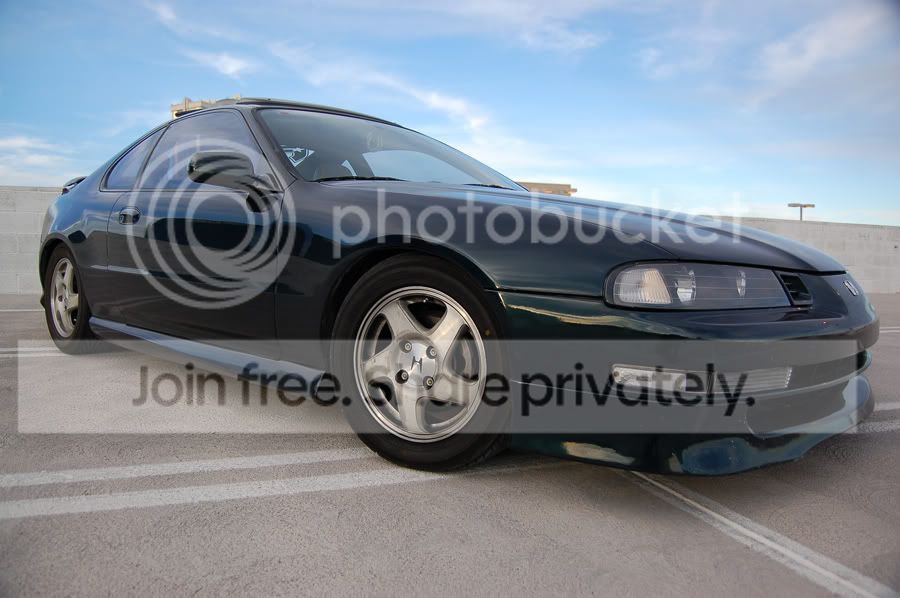
Thread Starter
Honda-Tech Member
Joined: Jul 2004
Posts: 4,860
Likes: 0
From: Hill town, TN, USA
Re: (95greenlude)
There isnt much of anything special about my skills.
I have no skills, Im just wanting to play around with pictures,
and hey if they owner likes em then its a plus.

Ill get to your after dinner.
And to help me out What is it your looking for in the pic above?
Mostly i just like the look of blowing them out alittle.
But if its a certain look you want let me know.
I need to learn
I have no skills, Im just wanting to play around with pictures,
and hey if they owner likes em then its a plus.
Ill get to your after dinner.
And to help me out What is it your looking for in the pic above?
Mostly i just like the look of blowing them out alittle.
But if its a certain look you want let me know.
I need to learn

Honda-Tech Member
Joined: Dec 2004
Posts: 2,930
Likes: 0
From: Las Vegas, NV
Re: (Jose-aka-Pedro)
^well i think its kind of obvious that you DONT want to overexpose every picture. it could take a really good picture and make it really bad with the edit. your adding too much saturation to the pictures. ^ if you look at the rear qtr, it just looks like a 2 dimentional red, it has not texture. also dont over use the burn and blur tools. learn how to use layers and masks.
here is my edit of that photo....just try and get close to this.... thats kinda how i learned
this was a quick one, also dont forget to look at reflections as well as the car.

here is my edit of that photo....just try and get close to this.... thats kinda how i learned
this was a quick one, also dont forget to look at reflections as well as the car.


Honda-Tech Member
Joined: May 2002
Posts: 4,365
Likes: 1
From: TX, USA
Re: let me photoshop your ride. Just edits. No requests. (Jose-aka-Pedro)
what's the point of this thread? You want pics to edit so you can learn, but you don't want to spend anytime editing them and then post and say "It's 3o seconds what do you want?" No, it's what you want. Seems strange to me.


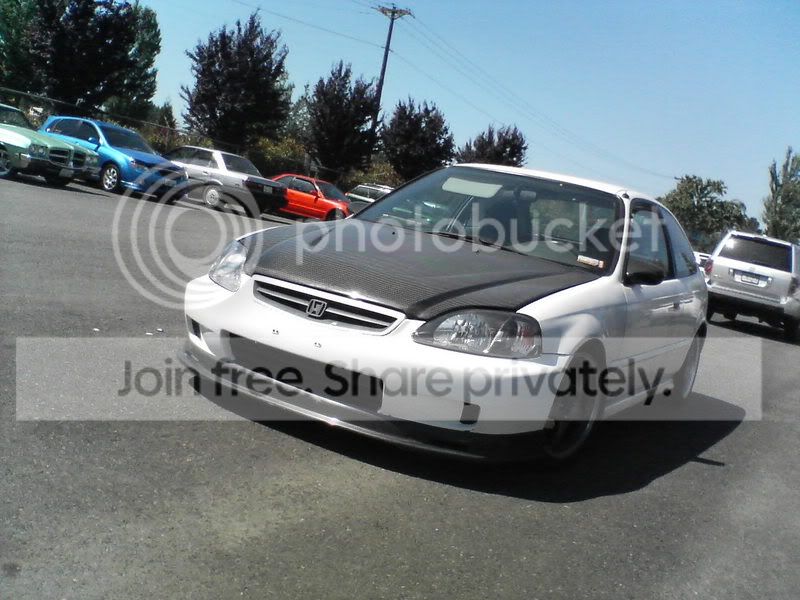

Honda-Tech Member
Joined: Nov 2005
Posts: 942
Likes: 0
From: New Orleans,, La
Re: (Jose-aka-Pedro)
<TABLE WIDTH="90%" CELLSPACING=0 CELLPADDING=0 ALIGN=CENTER><TR><TD>Quote, originally posted by Jose-aka-Pedro »</TD></TR><TR><TD CLASS="quote">Hows this????
 </TD></TR></TABLE>
dude thanks man i =ma a noob with photoshop i i cant figure out how to do that
any chance you can xplain to me how to do it ?
ill apreciate it alot
thanks
</TD></TR></TABLE>dude thanks man i =ma a noob with photoshop i i cant figure out how to do that
any chance you can xplain to me how to do it ?
ill apreciate it alot
thanks
Thread Starter
Honda-Tech Member
Joined: Jul 2004
Posts: 4,860
Likes: 0
From: Hill town, TN, USA
Re: (gerbcrx)
that took me about a min.
go to saturation and go 100% down.
makes it black and white I then use history tool and use it on the car.
taking it back to color.
I dont know the correct way, but thats how I leanred it by myself.
here is the other one. One blown out, and one close to what you wanted??


go to saturation and go 100% down.
makes it black and white I then use history tool and use it on the car.
taking it back to color.
I dont know the correct way, but thats how I leanred it by myself.
here is the other one. One blown out, and one close to what you wanted??
Honda-Tech Member
Joined: Dec 2004
Posts: 2,930
Likes: 0
From: Las Vegas, NV
Re: (gerbcrx)
<TABLE WIDTH="90%" CELLSPACING=0 CELLPADDING=0 ALIGN=CENTER><TR><TD>Quote, originally posted by Jose-aka-Pedro »</TD></TR><TR><TD CLASS="quote">that took me about a min.
go to saturation and go 100% down.
makes it black and white I then use history tool and use it on the car.
taking it back to color.
I dont know the correct way, but thats how I leanred it by myself.
here is the other one. One blown out, and one close to what you wanted??
</TD></TR></TABLE>
what version of PS are you using??
whenever i desaturate a photo i use a gradient map
go to saturation and go 100% down.
makes it black and white I then use history tool and use it on the car.
taking it back to color.
I dont know the correct way, but thats how I leanred it by myself.
here is the other one. One blown out, and one close to what you wanted??
</TD></TR></TABLE>
what version of PS are you using??
whenever i desaturate a photo i use a gradient map