When you click on links to various merchants on this site and make a purchase, this can result in this site earning a commission. Affiliate programs and affiliations include, but are not limited to, the eBay Partner Network.
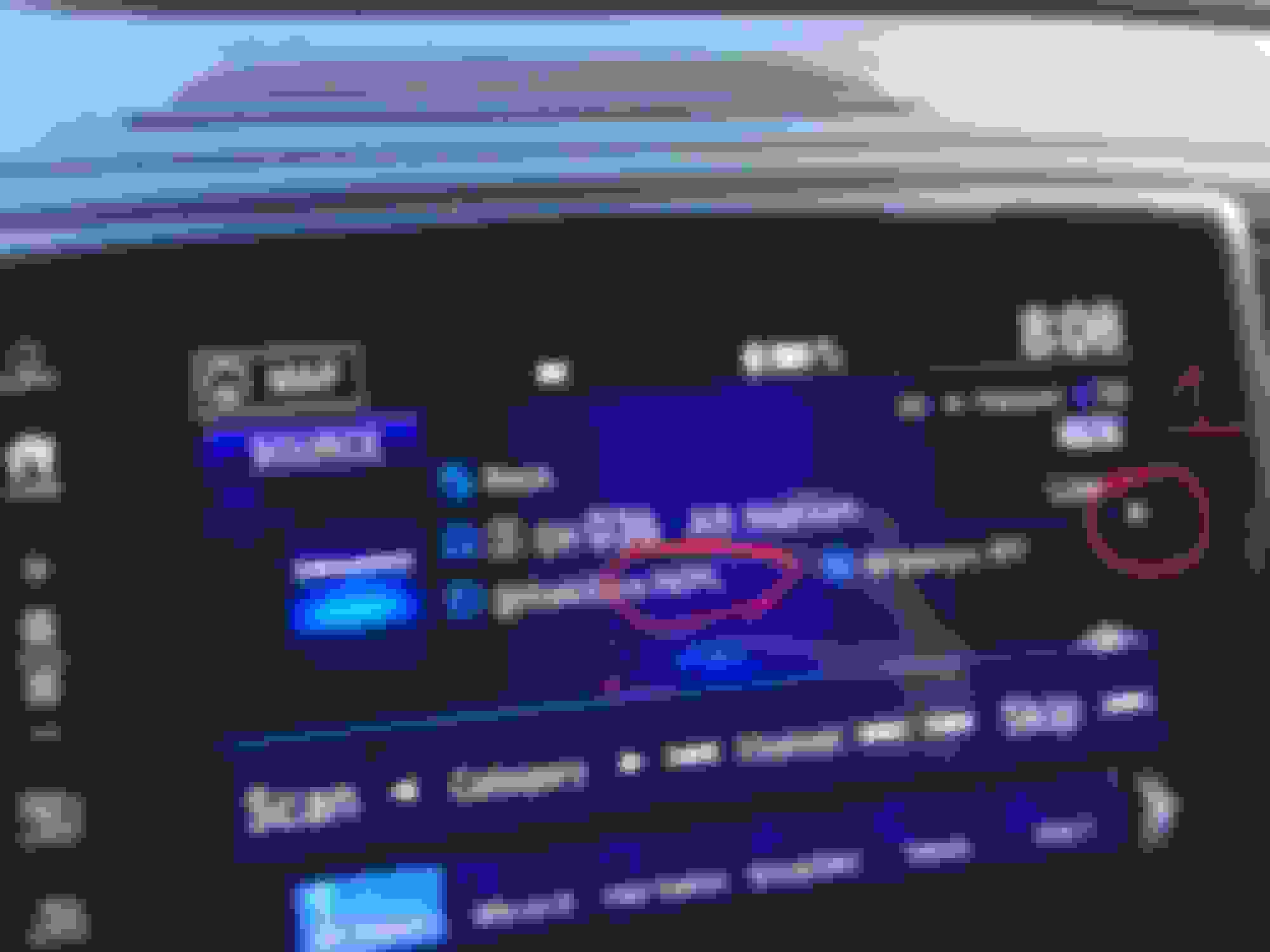
So I have, what I'm guessing is, a stupid question. On the infotainment screen, there's a little arrow on the far right when listening to XM radio. I can't click it or do anything with it, no matter how carefully I try. Does that actually "do" anything, or was it just a poor choice on the designer's part? (labeled #1 in my image below).
And secondly, if the info text about an artist or song runs too long, it gets cut off. My wife's car (albeit a VW), scrolls the text to show you the full title/artist. Is there some setting I'm missing to be able to see the full artist name/song, or is there something I can click to view it if it's too long (labeled #2 in my image below).
Re: Questions about 2017 Pilot Infotainment screen
#1 is the 'Replay Indicator'. Page 279 in the 2017 Pilots owners manual explains the Replay Function. You can rewind and replay the last 30 to 60 minutes of that station you have been listening to.
#2 no scroll feature.



 Questions about 2017 Pilot Infotainment screen